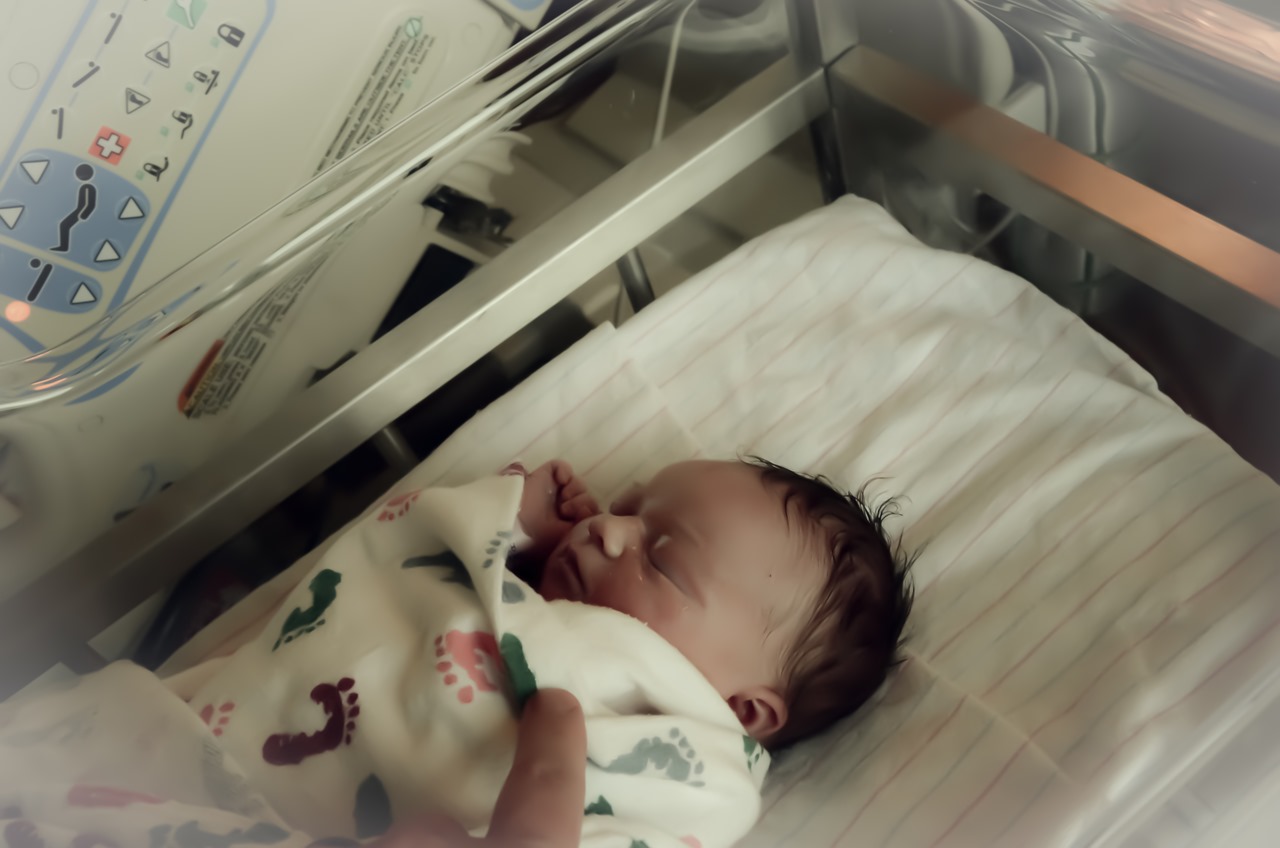
I hope everyone had a great Halloween! We really enjoyed putting Clara’s costume together – one that was after my own heart.
Family
Baby Monitor Phone Hack
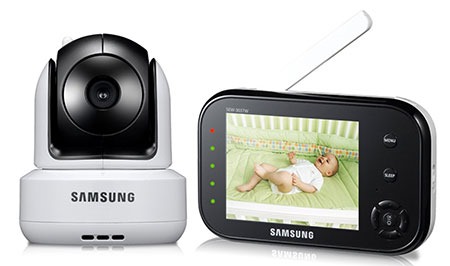
At our baby shower we were lucky enough to be gifted with an awesome baby monitor: the Samsung SEW-3037W, which features Pan Tilt Infrared video. Aside from the annoying startup sound that can’t be disabled (that every Samsung device seemly has to have), it’s been the perfect device for keeping an eye on Clara. However a few weeks ago, we realized that the microphone – the most critical part of the monitor – stopped working. Samsung was really good about fixing it for warranty, but we are without it for a few weeks.
We had a few options: move Clara from her secluded nursery to a closer (and noisier) part of the house, buy a cheap baby monitor that may not even work well (and probably set us back another $50), or figure out how to cobble together a baby monitoring system with what technology we have. Luckily we were able to use our phones to have a decent monitoring system that set us back $4.
We actually have my old Droid Bionic permanently docked in Clara’s room, that streams music and white noise at night. After installing IP Webcam on the phone, we have an instant video-streaming server. From there we installed tinyCam Monitor PRO onto my Galaxy S4 and have been able to consume the stream. I played with the free version of tinyCam Free to set up a proof of concept, and opted to spend the $4 so that I can get the prolonged audio streaming (the free version only allows a minute of streaming).
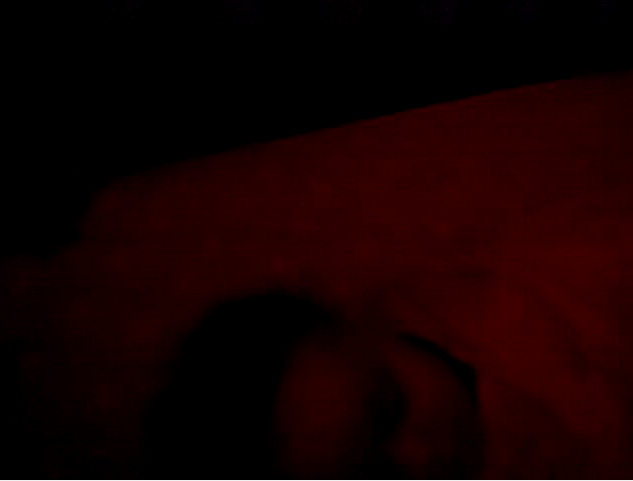
As far as an interim solution, this has worked really well over the last week. There is a tiny bit of a lag (about 1 second on average), but I’m wiling to live with that. The Bionic’s camera has always been pretty poor in low light, but I can make Clara out pretty well (we have a lamp with a red light bulb in the room). The angle isn’t the greatest because the camera sits in the dock on her crib, but it gets the job done. The benefits of this is that both Bethany and I can monitor Clara at the same time, and I actually can use VLC on my computer to watch the video as well (where this screen shot came from).
All things being equal, I would choose the Samsung monitor due to the responsiveness and nighttime performance – but if you don’t have $200 to spend, and happen to have an old Android phone lying around, this would definitely be an option that would get you by.
Summer Sleepless Sabbatical
So obviously I haven’t been blogging for a while, taking the summer off having my hands full with this little bundle of joy.
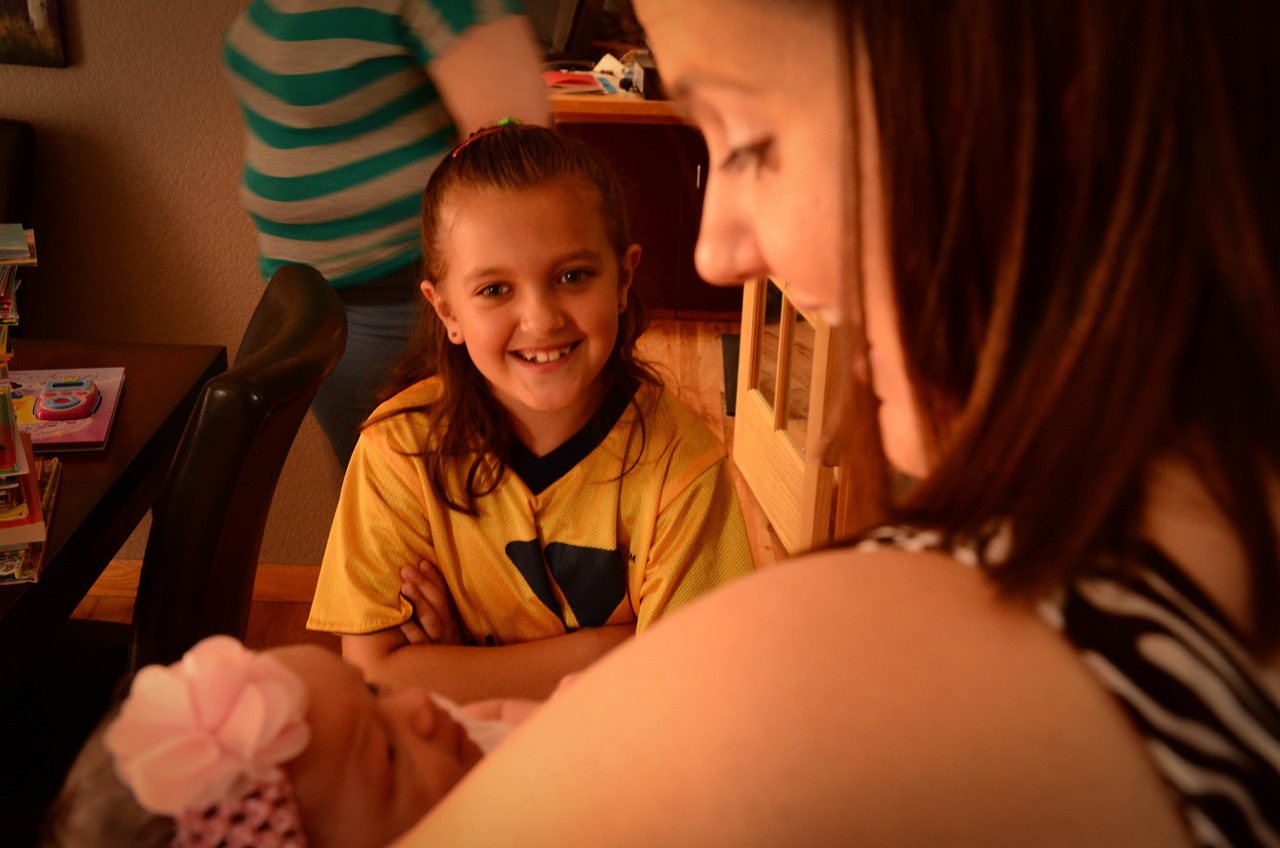
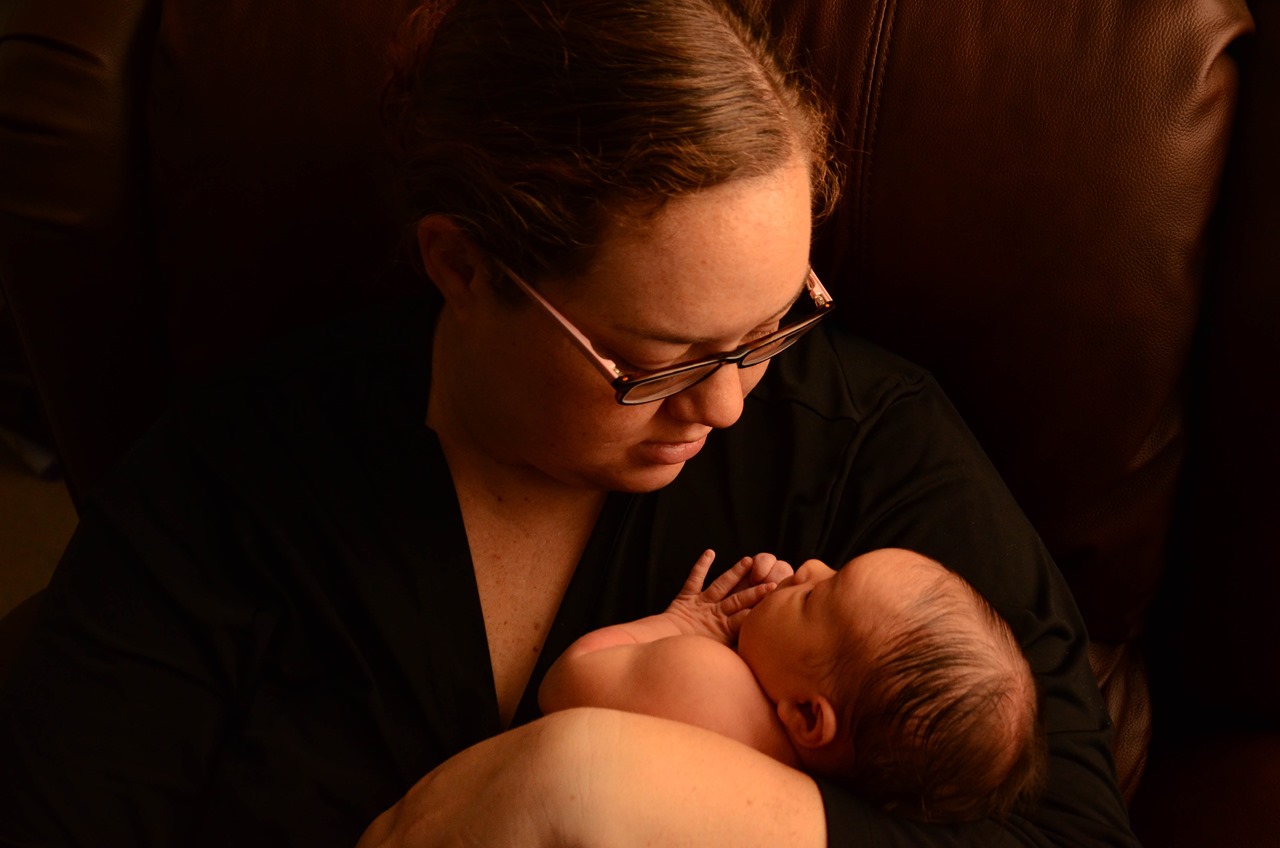
It’s hard to believe that she’s already 3 months old! In fact, Clara celebrates her 100 day birthday tomorrow. I finally got some time to comb through all of the pictures we’ve taken of her, and posted some of our favorites up on Flickr. This has seriously been a mental barrier for me in terms of non-work-related computer time, so I’m really excited to be able to get back into the swing of things and making some posts. I’ve had no shortage of thoughts and opinions, and am anxious to get them back on here.
Friday Tech Roundup: New Parent Tech
So my tech roundup is a bit late due to my adventures in new parenthood. As you can imagine, I’ve been pretty much out of the tech news stream (and I also think it’s been a slow week due to the July 4th holiday), but I’ve made a lot of tech discoveries being the first time parent of a newborn.
When I haven’t been holding m new daughter or catching up on sleep, I’ve committed some thought towards how we want to capture and share our special moments. I’m not sure if Facebook is the best vehicle for this, in large part that I’m not quite sure if I have a true awareness – let alone control of – who would see all of the content. I use Facebook as a social media public face, and am extremely sensitive to Facebook over-posting. Given this stance, splashing multiple pictures and videos per day is the last thing I want to do.
However, I do recognize that there is a segment of people in our lives (namely our families and friends who live further away), who wouldn’t mind an avalanche of pictures. So with that I have prepared two vehicles for social media sharing:
- Clara’s Tumblr Page – I think Tumblr provides the perfect vehicle for the two of us to submit these bit-sized chunks that Clara-admirers can scroll to their hearts content. The app is a joy to use, and I love that the both of us have an easy way to publish.
- Flickr – Given that Picasa is all but dead, folded into Google+, and that I currently use Google+ as a de-facto backup for my phone’s pictures, I’ve decided to use Flickr. I love Google+ in concept, but the reality is that their notification system is too overreaching. I’d like to think I’m a reasonably smart guy when it comes to technology, but I still can’t figure out how to post things to my circles without them receiving a notification (be it in email or on Google+). I’d like to simply push content out and if people see it: that’s great – don’t notify them. Anyway, so I’m back with Flickr, and do think their re-design is pretty compelling. The only problem I have is that Flickr has become a virtual ghost town, I’m not sure if people are viewing these images or not. Oh well. I’ll keep pushing my higher quality images to Clara’s Flickr Set.
Speaking of pictures, I can’t rave enough about the Nikon D7000 that we bought for the baby. My hope was that we’d have a camera that could take some high quality images, but not be too difficult to use. For the most part I’ve been keeping the camera in “Manual” and have produced some images that have made us pretty happy. I’m excited to learn more about the camera and start playing with some other lenses.
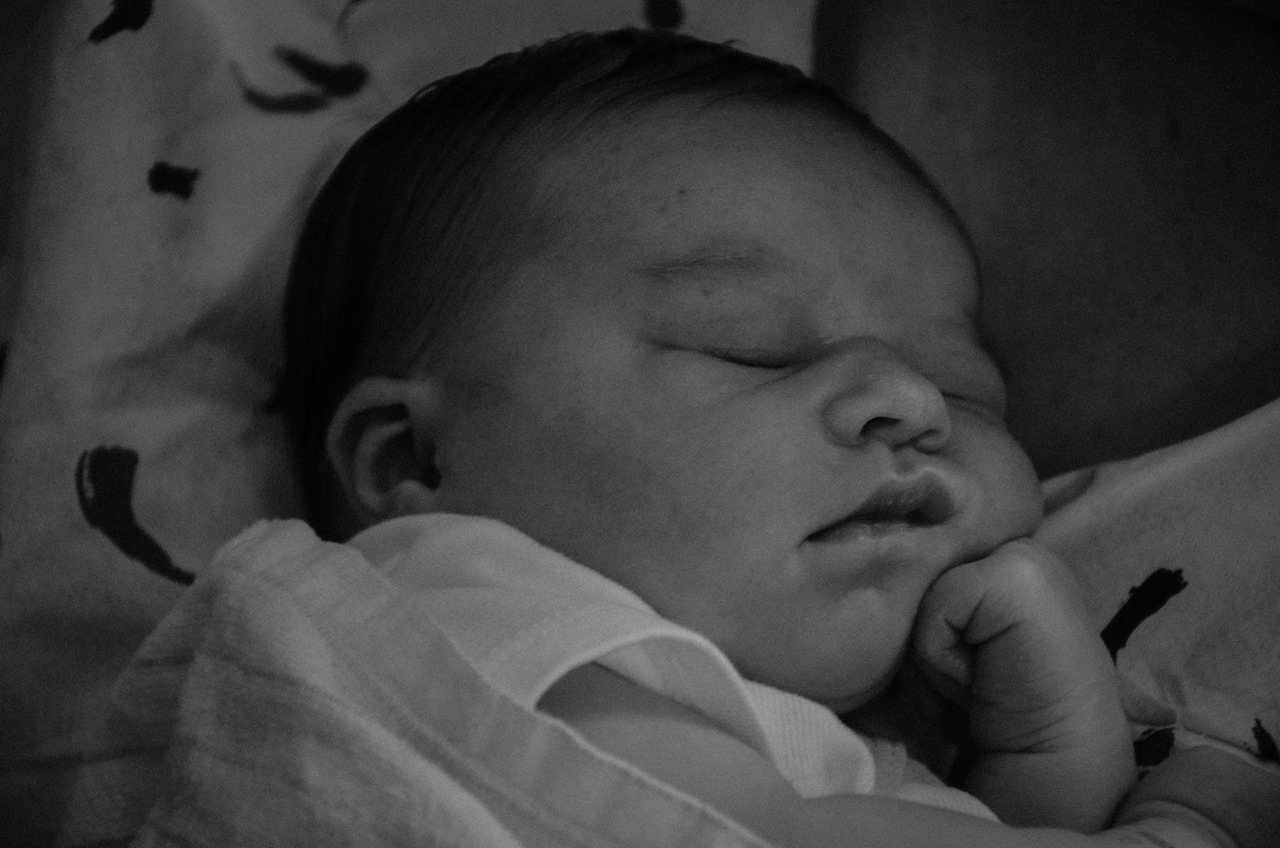
On the email front, I borrowed the “Dear Sophie” idea in the Google Commercial only to find that I had to lie about Clara’s age in order to create an account. I understand there are terms of service, but I found it a little surprising that Google advertised a method of using Gmail that requires you to break their terms of service. So yes, Clara now has an email address that I’m hoping to periodically contribute to.
Mobility speaking, there have been two apps that have been pretty helpful during Clara’s first week of life: iBaby and White Noise Lite. We’ve been using iBaby to track all of the feedings and diaper changes, and the only major complaint I have is its (or any similar apps) inability to share this data across the cloud in some way. I’d love for both Bethany and I to be able to contribute to the same data set through each of our devices. I’m majorly tempted to go back to using a Google Spreadsheet. As for White Noise, for new parents that are using the Happiest Baby methods, this has made all the difference. We have this app on each of our phones (as well as a docked phone we’re using as a music player in the nursery), and I love that I can press a single button and have white noise blaring through the speakers.
Clara’s Delivery Story
Today (June 29th, at the time) is the big day! We’re set to begin our birth story and I wanted to take the opportunity to chrono-log our big day where we welcomed our beautiful daughter into this world.
11:30am – Finally got the call and have been admitted for the induction. We got placed in our delivery room, with a view of I-25. Bethany put on her ballroom gown and we’re hanging out waiting to meet our nurse.
On a tech/distraction front, this room leaves a little to be desired. The TV has a pretty sophisticated menu hooked up, so my chances of plugging in a laptop are pretty slim. The sound only comes out of this handheld speaker next to the bed. I suppose when you’re in the heat of labor they don’t want the room to be blasted with the sounds of Game 7. Right now in her we’re in no mood for TV. We’re a combination of anxious and nervous for what’s next.
12:15pm – Just got our first visit with our nurse. Bethany is hooked up to the monitor now and so far everything is looking good. We’re now waiting for a sizable data sample to be shared with it doctor.
1pm – Things are moving pretty slowly, but I guess that’s expected when you have to cover all bases. Bethany’s been fitted with an IV Port and they’re now running final tests before proceeding with the induction. We thought waiting at home was hard…
1:45 – It’s go time! Bethany has her Pitocin cocktail in her IV and we’re now waiting for the first big contraction to hit. She’s mobile, we’ve taken a lap around the birthing wing and are anxious.
3:30 – Haven’t really felt any change. We’re saddled in and are now watching The Avengers.
6pm – Still playing the waiting game. B’s contractions are starting to pick up. We have dinner on the way and are wondering if we’ll be able to have it before they cut us off on the food.
9:10pm – We just visited with our doctor. There has been some change, but to say that things are moving more slowly than planned would be an understatement. We’re definitely developing our patience. I feel bad for Bethany, as she sometimes has a difficult time getting comfortable. We’re going to see where we’re at later tonight and determine whether we need to take a break. By the way, we were able to get dinner as our last big meal for a while. The food was decent for hospital food, but nothing to write home about. Bethany ate Prime Rib and I had the French Dip.
11:11pm – Things are starting to pick up a bit. Bethany is starting to feel some painful contractions, and we’re dilating further. At this point we’re going to see if Bethany can sleep through a few of these and we can get in a nap before we hit full throttle.
The next sequence of events are approximations, as things kicked into high gear, and I’m not stupid enough to keep a real-time log of labor activities while my wife is enduring contractions. I’m going to try to keep this in present tense, offering my reactions at the time.
11:30pm – Bethany woke me up, as her contractions began to grow painful and were too unbearable to sleep through. We’ve been going through pain mitigation techniques with mixed forms of success.
12:30am – We’re in full-pain labor now. We’re going to spend some time in the tub to see if that helps out. Nurse Leah, who is working with us tonight has been phenomenal and so patient with us. She hasn’t left our side through the whole thing.
– As the pain gets more intense, Bethany is starting to consider the epidural. The tub has been somewhat helpful, but since we’ve induced labor with Pitocin, the baby heart rate monitor is non-negotiable. We keep having difficulties with the monitors staying in place and are moving out of the tub. In leading up to labor, we discussed our desire to avoid the epidural if possible, but now with each contraction Bethany is asking for the Epidural. Right now I’m trying to remind her of our approach and at this point won’t start taking the epidural demands seriously until she starts talking about them between contractions.
– Now we’re between contractions and Bethany has started talking about the epidural. We re-evaluated our options and decided to proceed. We’ve signed the consent forms and are waiting for the anesthesiologist, who is currently working with another patient but should be a long shortly.
– We’re on a whirlwind now. Things have begun progressing rapidly with dilation, and in no time we have the end in site. Now we’re approaching the borderline. Bethany has been a champ with the contractions, doing a great job of focusing on her breathing. The doctor has been woken up and is here, that must mean we’re close, right?
– Ok, the anesthesiologist is here, but now we’re approaching a point where Bethany can start pushing soon. While the epidural will relive pain, at this point it’s going to prolong what has been a pretty fast labor. Bethany and I look at each other and agree that we’ll go ahead and take the gamble with the shorter labor.
– Bethany’s been a champ at pushing and we’ve seen some real progress. We don’t have a great sense of how much longer we’re going to be, but can feel the continued progress. With each contraction different things start coming out of our transformer bed: handles and leg platforms to help position during pushing.
– Our doctor has told us that this next contraction is likely going to be the one. Next thing we know the amount of medical staff in the room have doubled and what looks like a caterers table of medical instruments has appeared in the room. The foot of the bed got removed and our doctor gets decked out with the semi-OR garb – all within about a minute.
3:58 - Doc was right, this was the last contraction. Bethany went to a place I didn’t think she had and pushed and out came our little… baby!
– Is it a girl? All this time we’ve thought we were having a girl, and our doctor moves away the umbilical cord to reveal: girl parts! No repainting of the nursery needed! Our baby girl has been placed on Bethany’s chest. “Dad, ready to cut the cord?” I look around and it takes me a half-second to realize they’re talking to me. “Dad” hasn’t set in yet. Snip goes the cord.
5:00am – Clara, the name we’ve chosen for our baby girl is now happily feeding from her Mom. I’ve now taken this opportunity to go nuts with the camera and take a ton of pictures. I take this opportunity to start making some phone calls and let our families know about their new addition.
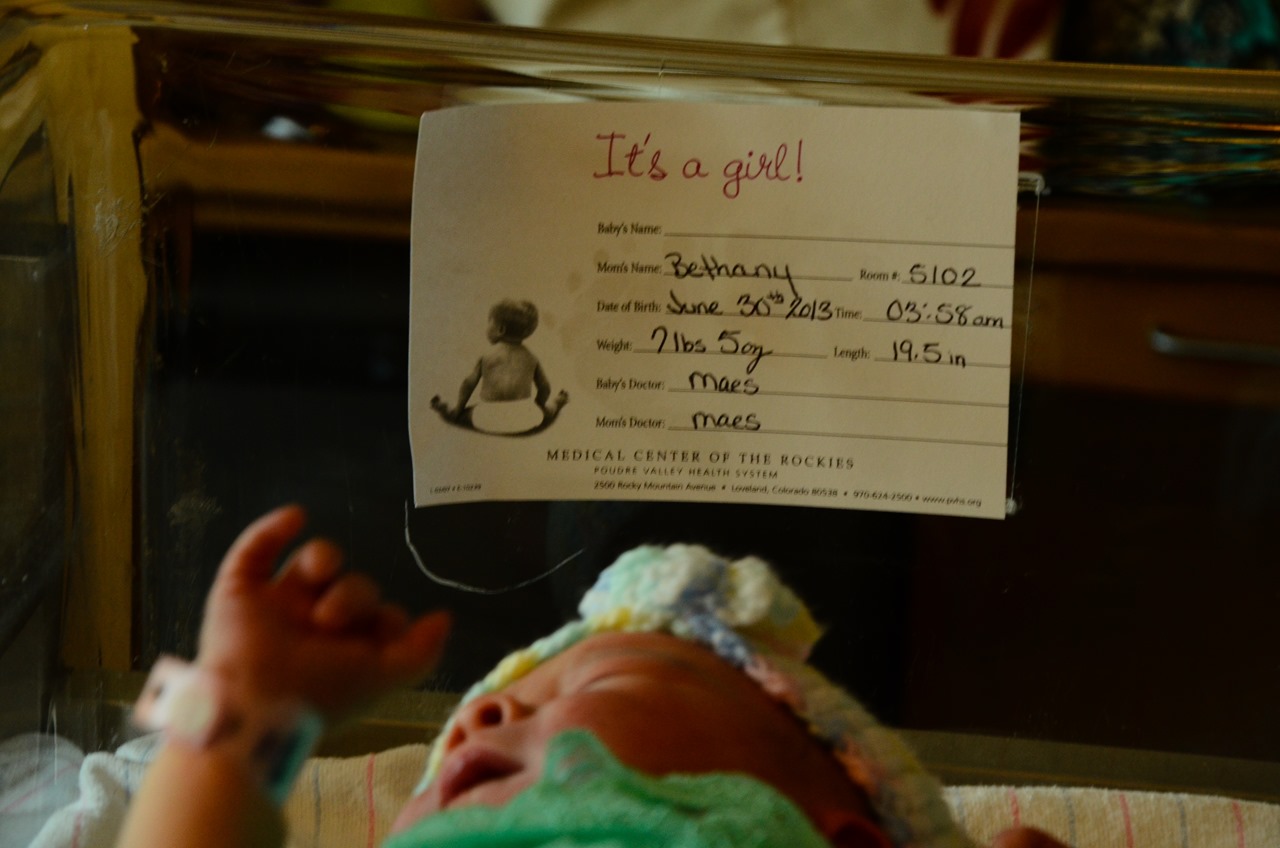
5:30am – The nurse performs all of the measurements for Clara and we find out that she weighs 7.31 lbs and is 19.5 inches long. We got to take her footprints, of which we got a set of our own.
6:00am – The delivery room – the room we’ve occupied for the better part of the last day – is no longer needed. I got to wheel Bethany out while she carried Clara over to the room where she’ll spend the first day of her life…